

Serpent OS Prealpha0 Released

Well, it didn’t take us that long, really … Our technical preview, prealpha0, is now available for testing!
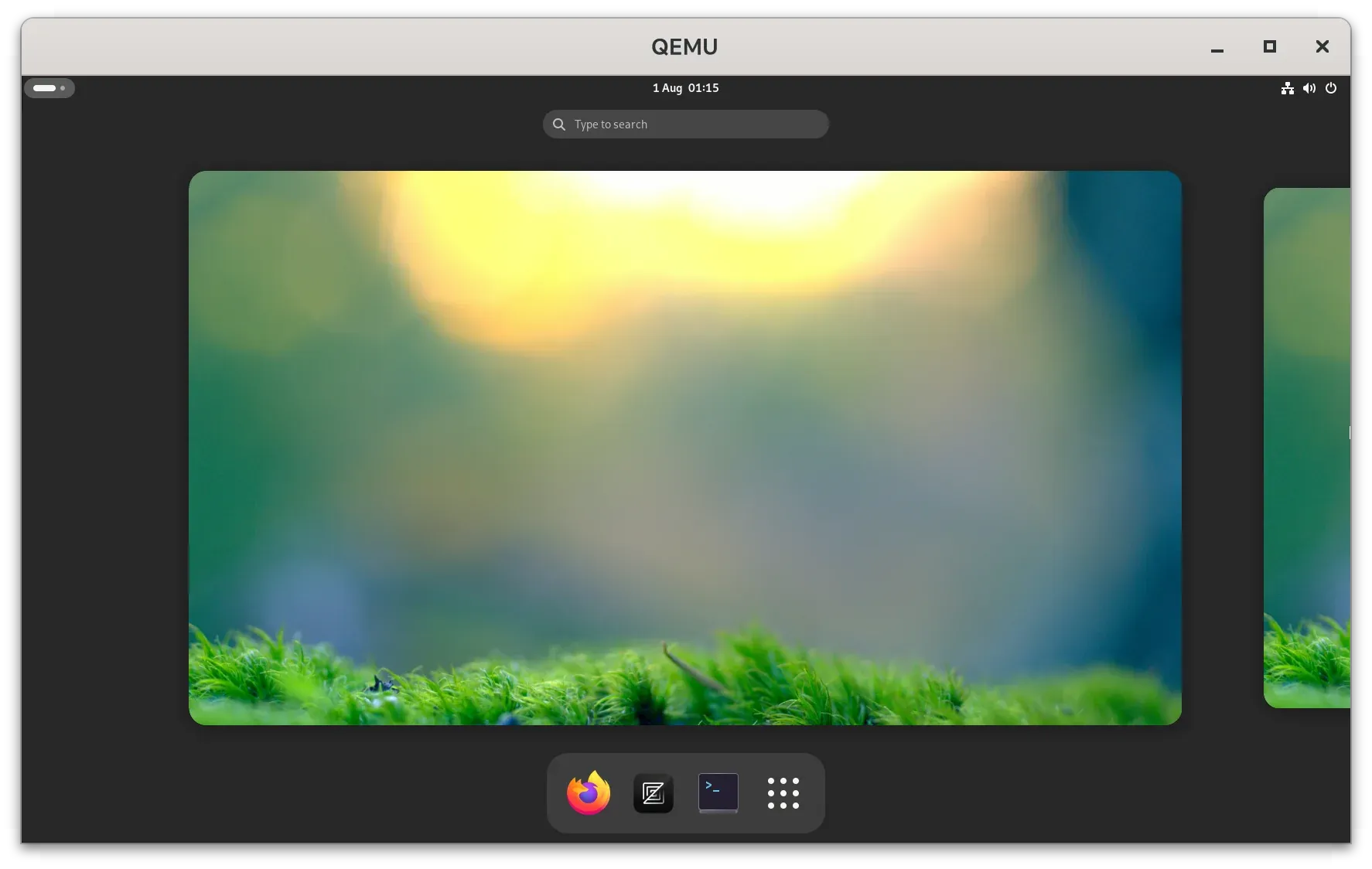
Head to our download page to grab serpent-os-prealpha-0.iso now!
This is a super rough version of Serpent OS that is capable of being installed on baremetal hardware and VMs that support UEFI and OpenGL acceleration. It is however not recommended for use daily due to the early nature and a bunch of packages being wildly out of date. It features a minimal GNOME desktop with the Firefox web browser and a terminal.
Right now it contains a CLI installer that can be accessed from the terminal by typing:
sudo lichenTo detract from casual use it is necessary to manually partition the disk before running the (net) installer. You can use fdisk to create a GPT disk with a (mandatory) EFI System Partition and an optional XBOOTLDR partition. This currently also needs to be FAT32 until we integrate systemd-boot driver support. Lastly of course you will need a large enough root partition.
You will need a working network connection, so make sure you’re connected before starting the installer!
Technologies involved
Section titled “Technologies involved”This will of course appear to be a very rough (crap) prealpha ISO. Underneath the surface it is using the moss package manager, our very own package management solution written in Rust. Quite simply, every single transaction in moss generates a new filesystem tree (/usr) in a staging area as a full, stateless, OS transaction.
When the package installs succeed, any transaction triggers are run in a private namespace (container) before finally activating the new /usr tree. Through our enforced stateless design, usr-merge, etc, we can atomically update the running OS with a single renameat2 call.
As a neat aside, all OS content is deduplicated, meaning your last system transaction is still available on disk allowing offline rollbacks.
Translated: Like A/B swaps? Don’t like rebooting? … Ok that explained it.
blsforme
Section titled “blsforme”A few crates deep we find blsforme - a library for automatically managing the ESP and XBOOTLDR partitions. Whenever kernels and associated files are present in the OS filesystem, they are synchronised to the boot partitions along with automatically generated boot entries and cmdlines. Specifically this means moss can discover and mount necessary partitions according to the disk topology, GPT entries, and Boot Loader Specification, generating configurations by scanning your local rootfs to build the proper root= parameters for you.
Translated: Magic boot management makes way for offline rollbacks.
Warning
Section titled “Warning”Super pre-alpha. Will 100% break! We just wanted you for the journey <3
Start of public iterations
Section titled “Start of public iterations”Ok you have this super rough ISO, what next? We now have an actual startpoint and will continue to iterate on the ISOs, delivering new installer updates/improvements and removing the unnecessary live mode from the ISO completely.
The next release will also feature more installer options so you can fresh-install the Cosmic Desktop (in repos now) For the brave, go forth and sudo moss sync -u ! (ok you want moss help first.)
Closing word
Section titled “Closing word”As a distro, it’s kinda crap right now. The tooling has been our focus for years and now we can actually build something with it. With only a handful of packages, flatpak is your best friend. Or you could swing a PR into our recipes repo!
The project is only possible with your support. Something tells me that putting out this ISO is going to somewhat increase our hosting costs and stress the datacenter hamsters.
Feel free to sponsor the project to support our work and increase our capacity!